SAP Business AI Platform Administrator Study Guide: Essential Topics and Practical Skills
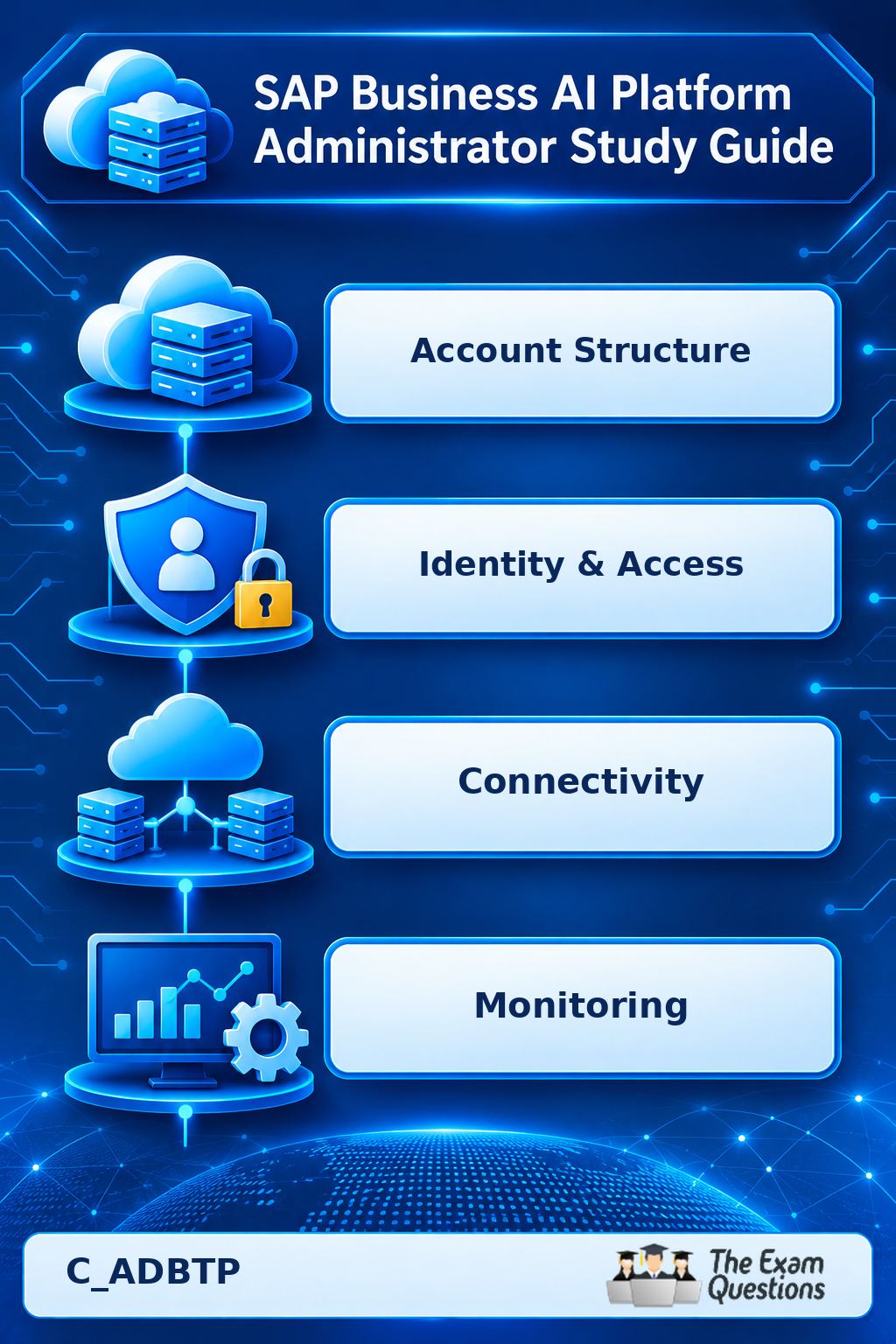
Quick Summary
This SAP Business AI Platform Administrator Study Guide organises C_ADBTP preparation around real administration scenarios. Each section links a platform concept to the task an administrator performs, so you can revise with practical confidence before the assessment.
Introduction to scenario-based SAP BTP revision
SAP Business Technology Platform (SAP BTP) is the base for developing, integrating, and operating enterprise applications. Administrators keep that base organised, secure, connected, and observable.
The SAP Business AI Platform Administrator Study Guide takes a task-first approach. Each section opens with a situation an administrator meets, then names the concepts that solve it. This mirrors the system-based format of the certification, where you complete work in an SAP environment.
The Business AI Platform wording sits in the certification title, and the assessment centers on managing and administering SAP BTP environments. Your revision therefore stays on platform administration.
Scope of the certification
SAP lists the certification as SAP Certified - SAP Business AI Platform Administrator, with the code C_ADBTP. The SAP official certification page displays one system-based activity, a two-hour duration, and a 100% pass score.
This format rewards applied skill. Practise using the SAP BTP cockpit, changing administrative settings, and verifying each change against the task requirement.
Situation one: a team needs separate environments
A company wants development, testing, and production kept apart. This points to account structure.
Review these concepts:
Global accounts hold the top-level structure.
Directories organise subaccounts.
Subaccounts host services, environments, and application configurations.
Entitlements decide which service plans an account can use.
Quotas control the amount of a service allocated to the account.
Practise placing a service in the correct subaccount and confirming its entitlement and quota before you change anything.
Situation two: an application needs a place to run
Applications run in runtime environments, and administrators provision and manage the services around them.
Cloud Foundry provides an environment for deploying and managing cloud applications. Kyma is a Kubernetes-based environment for cloud-native applications and extensions. Compare how each one is administered, and recall that service instances and plans belong to the same picture.
When a deployment fails, inspect the environment, the service availability, and the permissions first. This keeps your changes purposeful.
Situation three: a user signs in and still cannot reach an application
Sign-in success confirms identity. Access depends on authorisation.
Match each concept to its job:
Authentication establishes who the user is.
Authorisation decides which actions the user may perform.
Role templates define sets of available permissions.
Roles represent configured permissions.
Role collections group roles for assignment.
Identity providers handle user identity and authentication.
Check the user's identity configuration, role collections, and required permissions in that order. SAP Cloud Identity Services complete the picture for identity administration and user provisioning.
Situation four: an application cannot reach an internal system
Destinations hold centrally managed connection details, and SAP Cloud Connector supports secure connectivity to supported on-premise systems.
Trace the full connection path:
Open the destination and confirm the target address.
Review the authentication details.
Check Cloud Connector connectivity where it applies.
Decide whether the issue sits inside SAP BTP or along the route to the target system.
Following the path in order makes troubleshooting systematic and fast.
Situation five: the team wants repeatable configuration
Terraform describes infrastructure in declarative configuration files and manages changes in a repeatable way. Review Infrastructure as Code concepts, providers and resources, configuration variables, and deployment updates.
The goal is to explain how infrastructure is described, applied, and checked, so that manual steps become a backup option. Boosters, SAP Automation Pilot, and command-line tools belong to the same toolkit, so learn the task each one supports.
Situation six: a service goes down
High availability keeps services accessible through certain failures. Disaster recovery restores operations after a major disruption.
Study backup responsibilities, recovery considerations, system dependencies, and documented operational procedures. Know which responsibilities belong to the platform provider and which belong to the customer.
Observability then guides the investigation:
Metrics measure system behaviour.
Logs record events.
Alerts draw attention to conditions that need a look.
Rising response times, for example, call for a review of monitoring information before you decide whether application activity, capacity limits, or another dependency is the cause.
Situation seven: an account nears its limits
Cost and consumption management gives administrators visibility into usage. Review account consumption, service quotas, and entitlements together, then identify which services use the available capacity. From there, choose between an allocation change and a configuration review.
DevOps cloud services and agile project administration round out this area. Understand how teams coordinate development and deployment and keep environments consistent.
Check your readiness
Rate yourself on each item below. A subject counts as understood when you can explain its purpose, locate the relevant settings, and complete a representative task independently.
Architecture: explain the account hierarchy and subaccount organisation.
Runtime environments: describe Cloud Foundry and Kyma.
Access management: configure permissions and verify them.
Connectivity: trace a connection through destinations and Cloud Connector.
Configuration tools: explain Terraform fundamentals.
Availability: separate high availability from disaster recovery.
Observability: interpret monitoring information and logs.
Cost management: review consumption, quotas, and entitlements.
Frequently asked questions about SAP BTP administrator revision
What should I study first?
Begin with account structure, since entitlements, quotas, and subaccounts support every other topic.
Is practical work part of the assessment?
Yes. SAP lists a system-based assessment with one activity, so hands-on comfort matters.
Is Terraform part of the scope?
Yes. SAP's recommended administration outline includes managing SAP BTP infrastructure with Terraform.
How does administration differ from AI development?
Administration covers platform architecture, users, permissions, services, connectivity, and operations. AI development covers building AI-based applications. The certification centers on administration.
How can I test my understanding?
Work through scenarios like those above. Identify the component, explain the configuration, complete the task, and verify the result from your own understanding.
Conclusion
Strong SAP BTP administration grows from connecting concepts to tasks. Account structure, runtime environments, access control, connectivity, configuration management, monitoring, and cost oversight all work together in daily operations.
Use the situations above as a revision loop: read the concept, practise the task, verify the outcome, and repeat in the areas that need more confidence. Confirm the latest C_ADBTP requirements with SAP before you book.
Strengthen your preparation
Pair this guide with hands-on practice in an authorised environment. For more C_ADBTP practice material, visit The Exam Questions and revisit the scenarios until each task feels routine.